Build a clearer workflow with magic3d for 3D models
Magic3d for 3D models is most useful when you treat generation as an iterative design step: describe the object, inspect the draft, then refine the brief around what needs to change.

Where the workflow stops
A useful model-making process includes boundaries. These caveats help you decide when a generated draft is enough and when it needs deliberate cleanup or another tool.
A prompt is not a production specification
A short description can establish form, style, and intent, but it does not replace exact dimensions, tolerances, material callouts, or a manufacturing brief.
What to do instead
Write a compact specification after the first draft, including measurements, required openings, thickness, and any surfaces that must remain planar.
Topology may need inspection
A visually convincing result is not automatically clean, watertight, or ready for animation, simulation, or fabrication. Hidden geometry and awkward surface transitions can matter later.
What to do instead
Inspect the mesh in your normal 3D package and repair normals, non-manifold areas, intersections, and deformation-sensitive regions before downstream use.
Complex assemblies need more than one pass
Objects with hinges, interlocking parts, repeated fasteners, or strict mechanical relationships are difficult to describe completely in one prompt.
What to do instead
Break the concept into parts, generate or model each major element separately, and define how the pieces fit together in a follow-up pass.
References still require judgment
A generated draft may capture the general look of a reference without preserving every proportion, edge treatment, or functional detail.
What to do instead
Keep the reference visible during review and record the specific differences that must be corrected rather than relying on a general request to make it more accurate.
From idea to usable geometry
Use a short loop rather than trying to solve the entire object in one sentence. Each pass should answer one clear design question.
-
1
Describe the object
Start with the subject, primary silhouette, intended style, and the details that make the model recognizable. Prioritize the few attributes that matter most to the decision you are making.
-
2
Inspect the draft
Look for proportion, balance, negative space, repeated elements, and unintended details. Separate visual issues from technical requirements so the next prompt stays focused.
-
3
Refine with evidence
Change one or two variables at a time, then compare the new result with the earlier draft. Keep the strongest parts of the concept while making the required correction explicit.
See the change from draft to form
The before-and-after view is a reminder that a useful result often comes from narrowing the brief, not simply adding more adjectives.
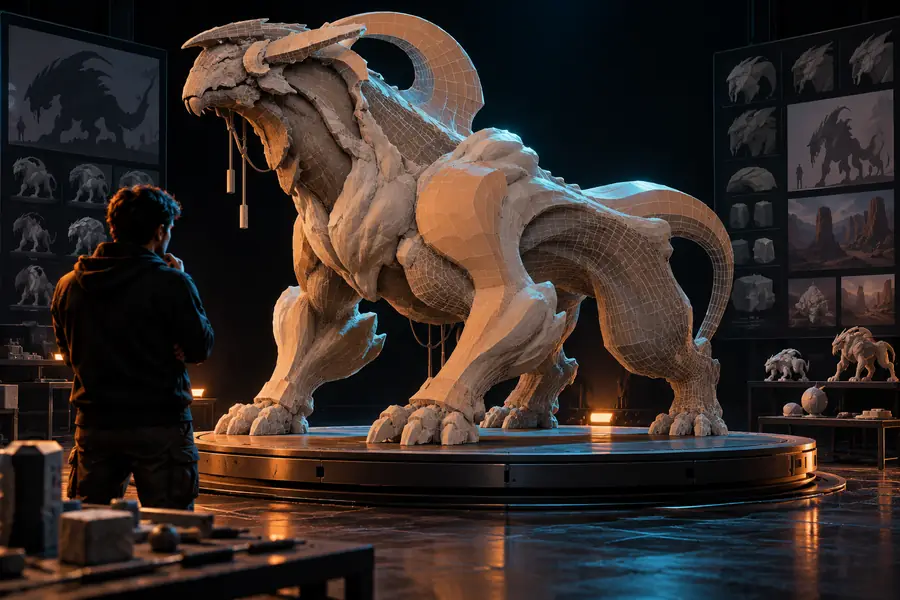

Compare silhouette first, then surface detail and technical readiness.
Exploratory draftRefined direction